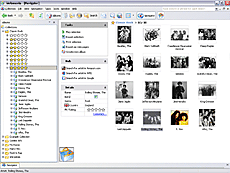
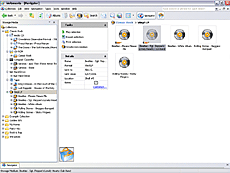
Melomania provides you with four modes to represent your music
database: Albums, Filters, Favorites, and Storage Media:
Albums mode represents audio tracks and albums contained in your music collection
Filters mode represents a set of customized filters intended for selecting audio tracks
from your music database by specified criteria
Favorites mode is intended for managing track compilations you have made according to your
musical taste or current mood
Storage Media mode represents a list of media, which actually contains audio tracks from
your music collection
To switch over these modes you can use corresponding toolbar buttons
or easily accessible popup menu items.
Melomania allows you to group albums and media by various properties.
Any grouping may contain one or more properties at a time. For instance, albums can be sequentially
grouped by country, artist, and release year. Following are possible grouping properties for
albums:
Artist
Release year
Release decade
Genre
Label
Rating
Country
Possible grouping properties for storage media are: